Social Network Edition: Profile

Today we have some news regarding the upcoming  “Social Network Edition”.

We have finished the engine code and we are moving to the last part that we need to do before the release – template. Template for  “Social Network Edition” is much more complicated. It will incorporate all social features to existing pages and it will get many new pages such as profile, wall/stream/feed,  messages,  alerts,  favorites, shares,  lists, community,  image albums, etc..

We have some beautiful things planned for it.

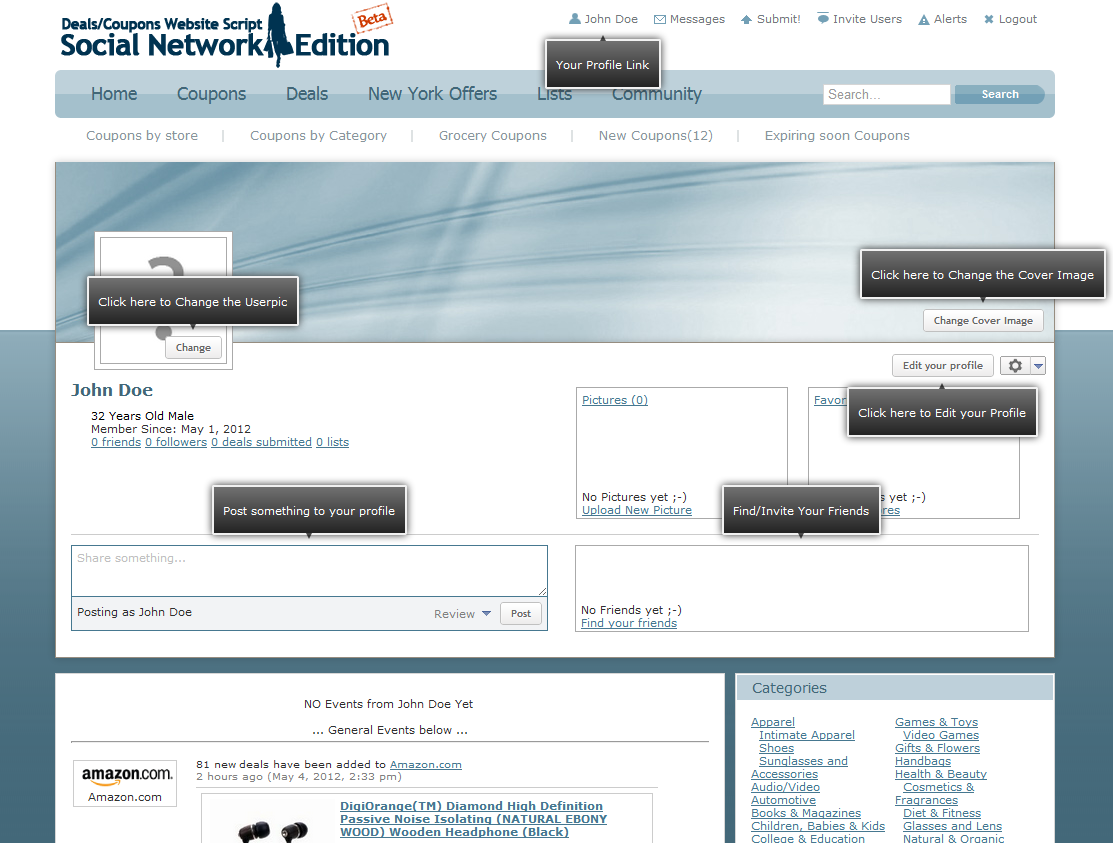
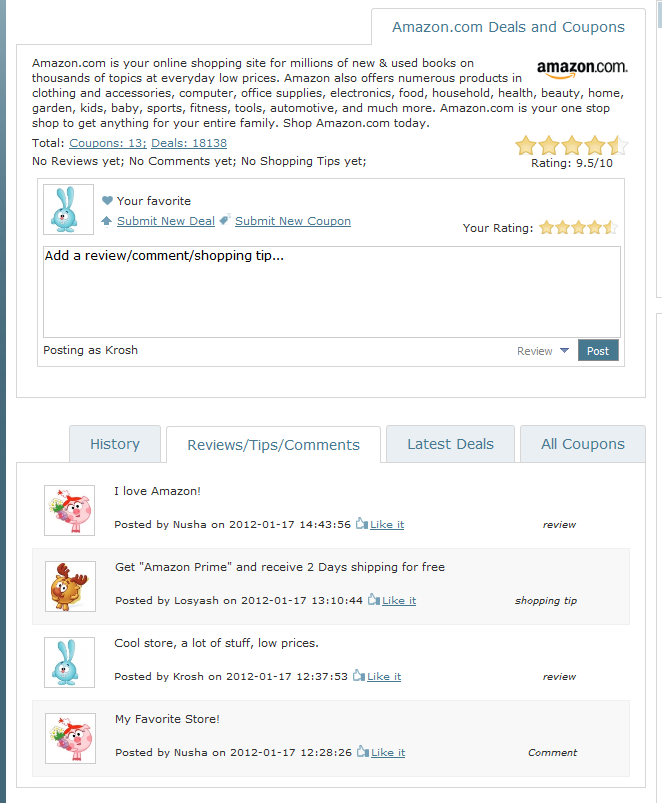
Here is the preview of the one important part – profile page.


Other Social Networks

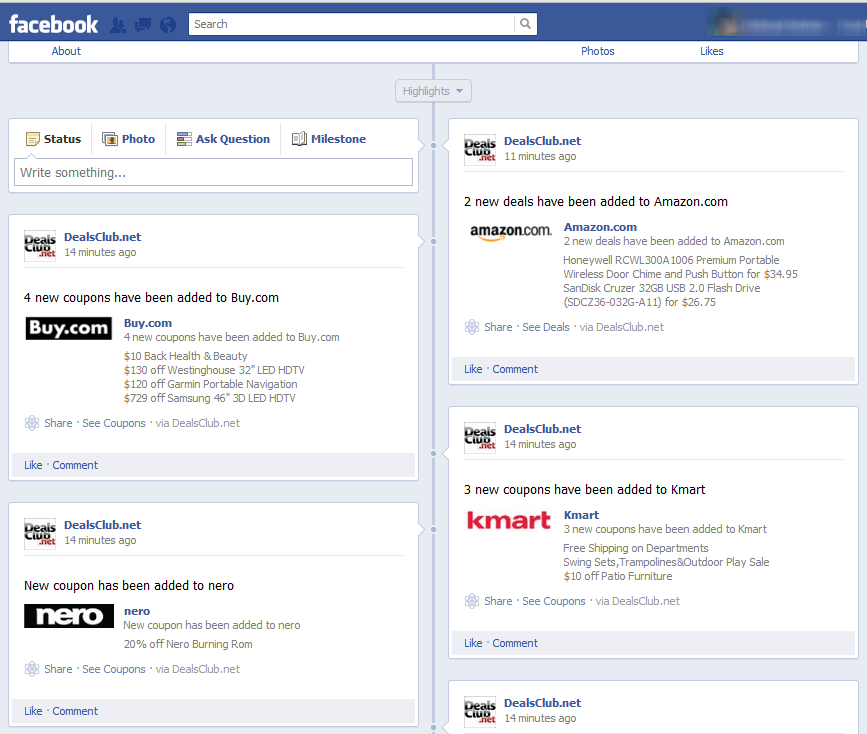
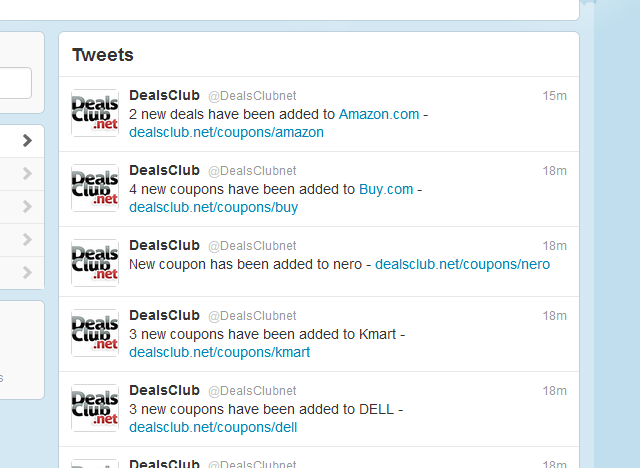
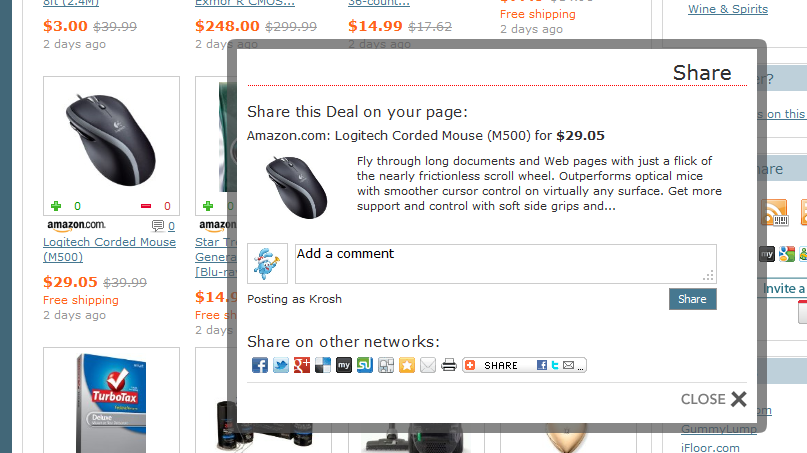
Deals Coupons Website Script: Social Network Edition is playing well with other major social networks like Facebook, Twitter and Google+. All news from your site could be automatically re-posted to these networks.


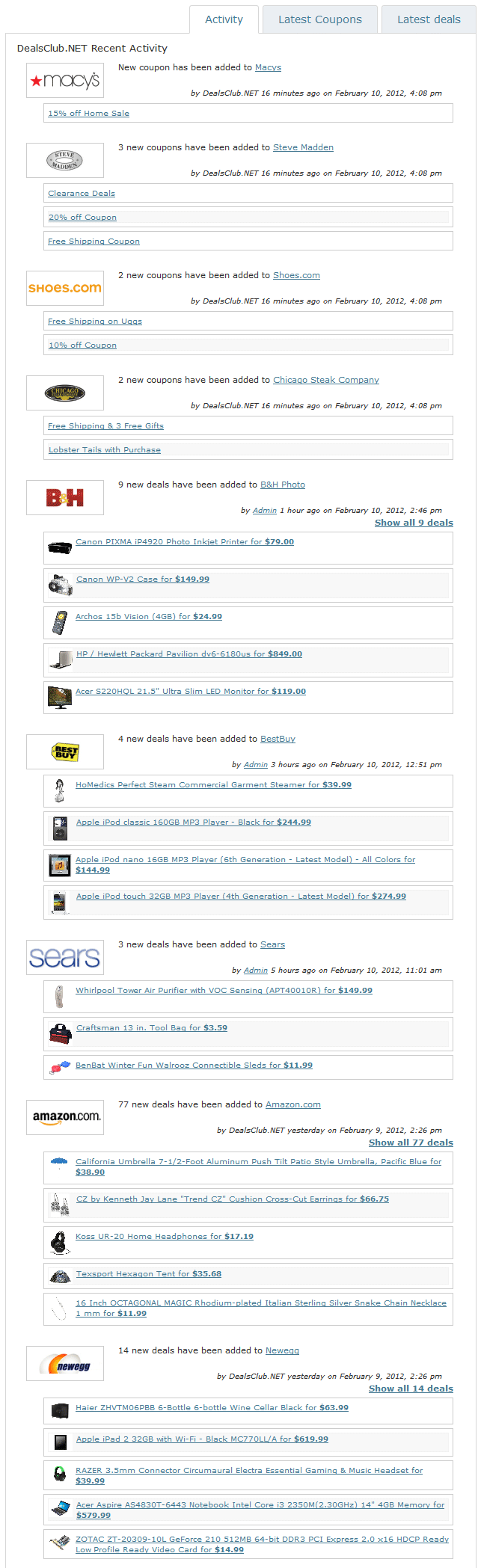
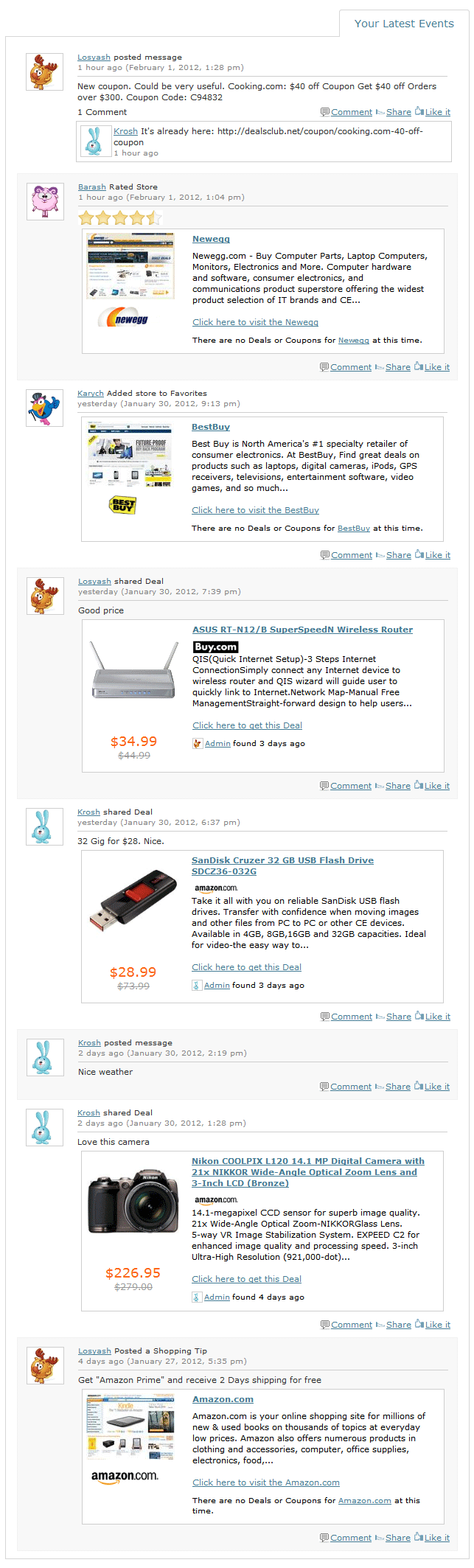
Social Network Edition Screenshot: Main Page Activity

New main page tab shows the general website activity.


Social Network Edition Screenshot: Your Stores Activity

New “Social Network Edition” screenshot – “Your Stores Activity”. Shows all events from the stores in your “Favorites Stores” list.


Social Network Edition: User’s Main Social page


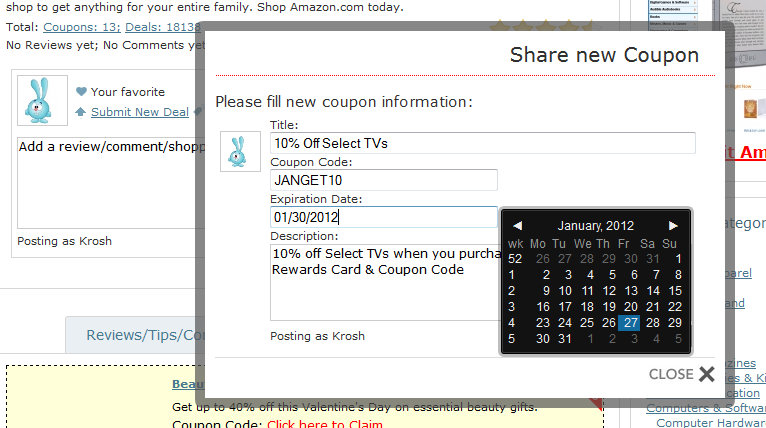
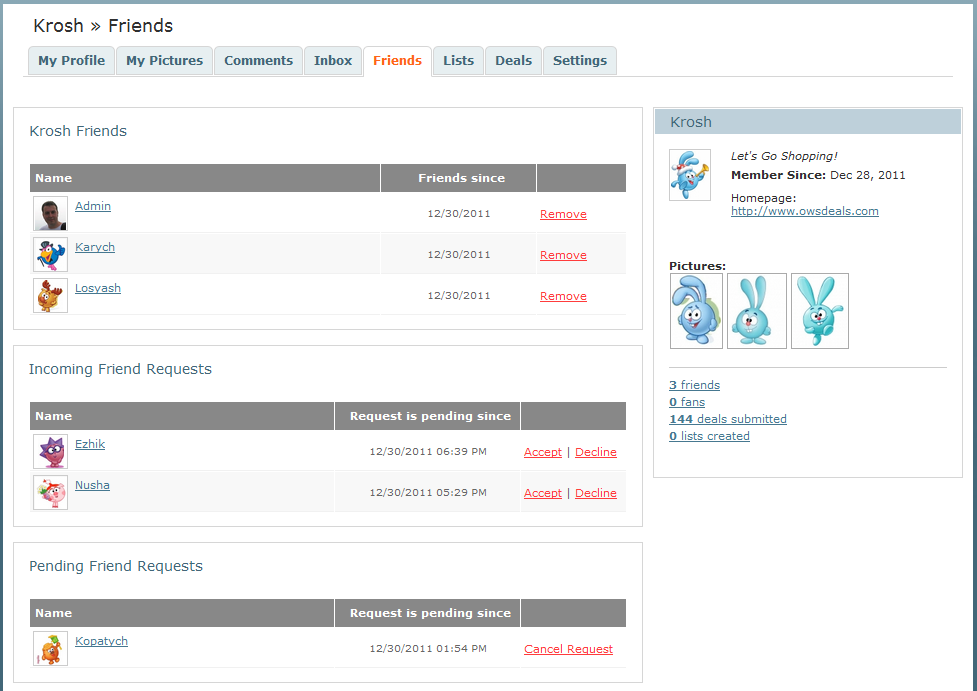
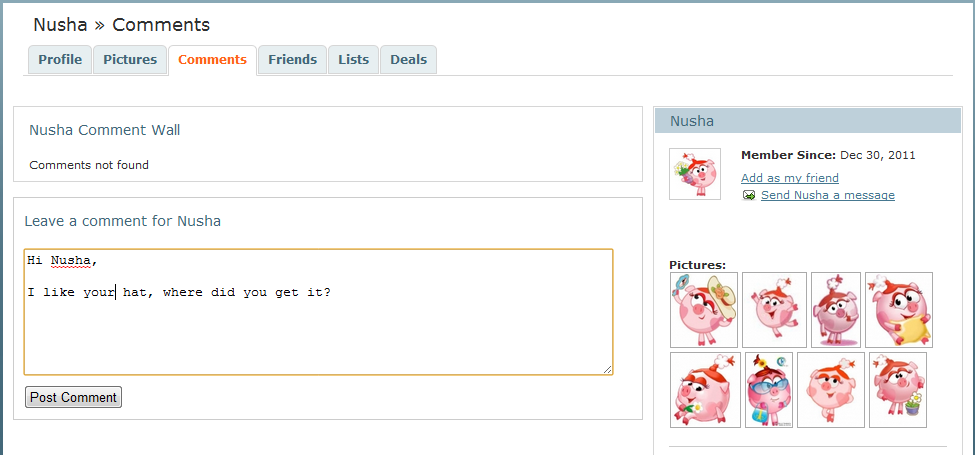
Three more “Social Network Edition” screenshots


Social Network Edition – First Screenshots

First of all, we wish a happy new year to everyone!

We are getting closer to the beta release of Deals/Coupons Website – Social Network Edition.

Here are the first screenhots:


New feature: Deal of the Day

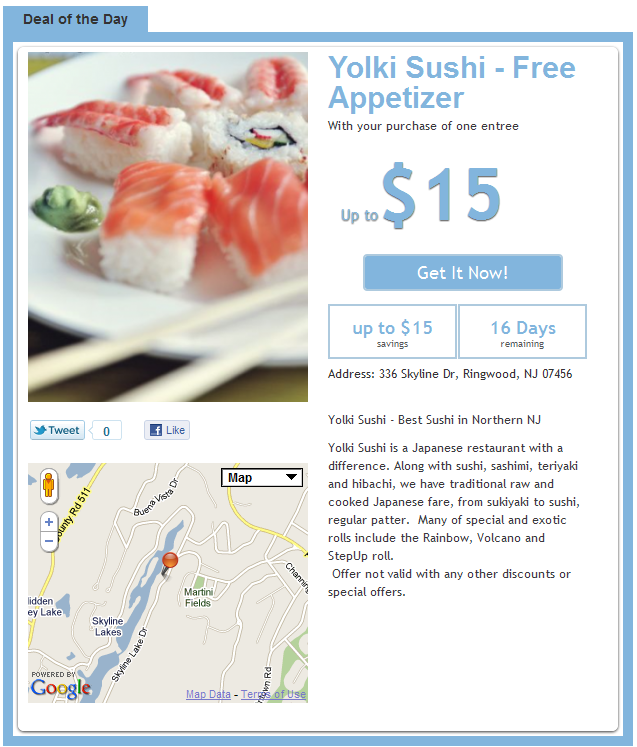
New feature coming with the new release of Local/Pro Editions. Groupon/LivingSocial style “Deal of the day”.


New Build: 226 Release Candidate 2

Build 226 Release Candidate 2 has been released.

It got several minor bug fixes, some UI improvements, speed optimizations and internal cleanups. There is a good chance that we are just one or two steps from the final release.

[Version 2] Demo Site

Build 225 RC 1 has been released, so it time for V2 demo site to be up and running on demo.owsdeals.com
Admin panel login:
http://demo.owsdeals.com/admin
Username: admin
Password: admin

*Some items like user management, settings saving and template editing are disabled.